
Original
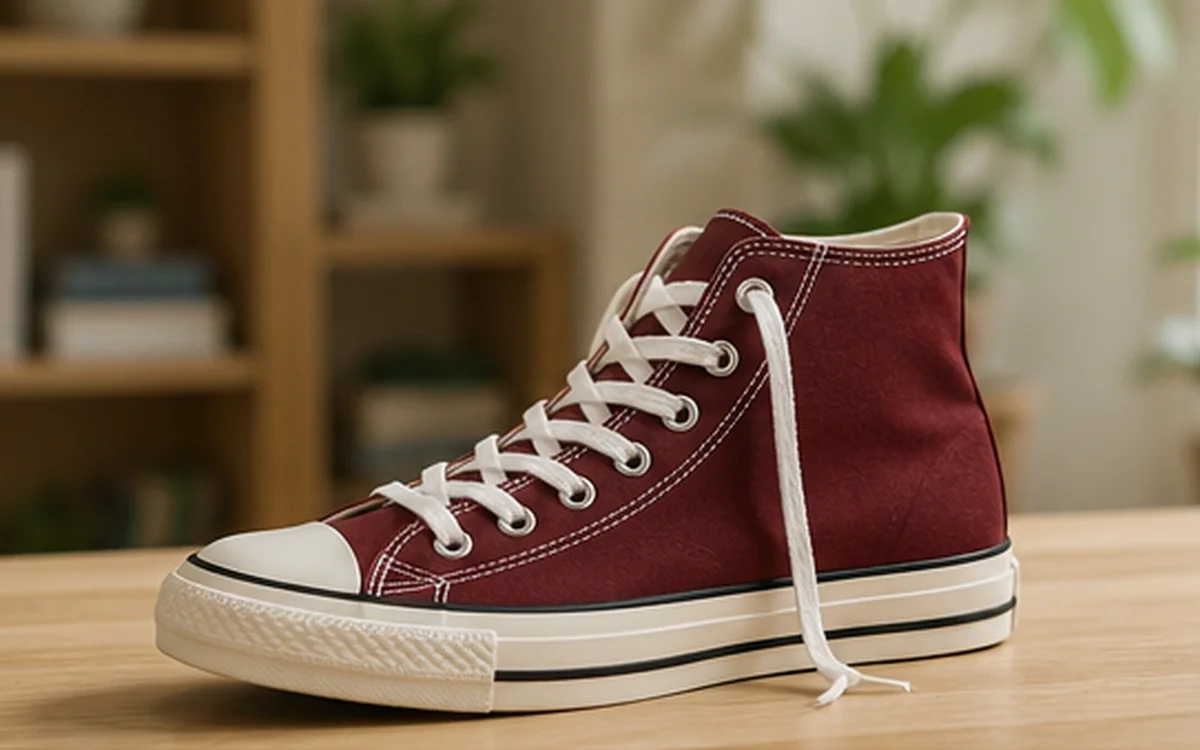
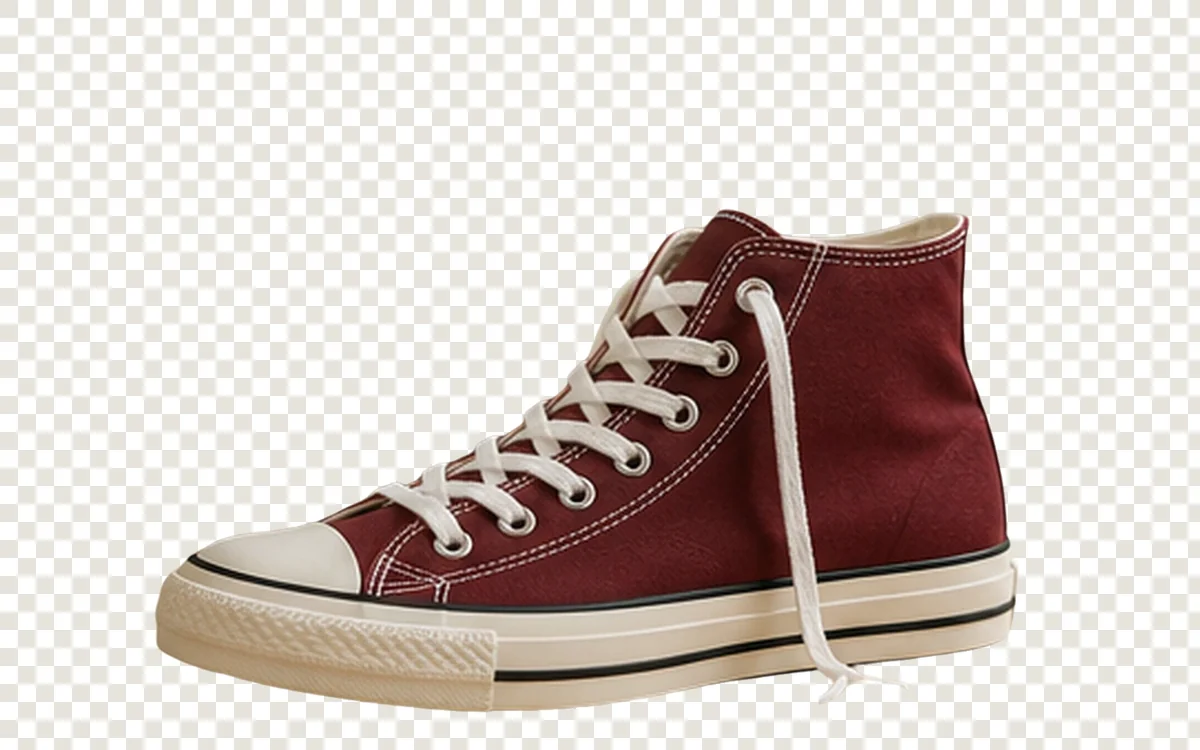
Create clean, transparent PNGs for product photos, social posts, and creative work—without manual selection.
JPG, PNG, and WebP up to 10MB; no manual format conversion needed
How it works
File limits and estimated credit use are shown before submission, and digital results are delivered through the online workspace.
Upload a JPG, PNG, or WebP image.
The service detects the subject and removes the background.
Review the edges and download a transparent PNG.
Common use cases
AI output should be treated as a work result to review, not as an unquestionable source of truth.
Start with a clear, properly authorized source file and inspect the output before final publication.
Start with a clear, properly authorized source file and inspect the output before final publication.
Start with a clear, properly authorized source file and inspect the output before final publication.
Before and after
Each example pairs one source image with its matching processed result. Drag the slider and review the dimensions, suggested setting, and quality checks.
A layout for showing product contours, difficult edges, and transparent PNG output.


A layout for showing hair, clothing edges, and reusable design space.
Files, delivery, and privacy
JPG, PNG, and WebP files are supported up to 10MB. Job status and available results appear in the online account, and files are deleted according to the retention period stated for the plan.
Upload only images you own or have permission to process, and do not submit unlawful, infringing, or highly sensitive content.
FAQ
JPG, PNG, and WebP files are supported, up to 10MB per file.
Background-removal results are delivered as transparent PNG files for reuse or publishing.
Hair, translucent objects, shadows, and low-contrast edges may need review. Inspect important commercial results at full size.
Credits used by a failed job are refunded automatically.
Specific workflows
See suggested settings, matching before-and-after examples, and pre-publish checks for product, portrait, property, or illustration assets.

Remove a distracting scene from a product photo and export a transparent PNG that is easier to reuse across listings, ads, and design layouts.
View workflow
Prepare profile images, presentation assets, and campaign portraits with a transparent background while keeping hair and fine edges under review.
View workflow
Recover a reusable transparent PNG when the original vector or transparent brand file is unavailable, then verify thin strokes, interior holes, white artwork, and edge color.
View workflow
Prepare clothing images for catalogs and design layouts, with manual checks for thin straps, open spaces, soft fabric edges, shadows, and color accuracy.
View workflow
Remove the visible background, verify the alpha edge on contrasting colors, and export a PNG that can be placed in documents, storefronts, presentations, and graphics.
View workflow
Build a reviewed master image, solve only the visible background, exposure, or size problem, then test the result in product grids, detail pages, mobile layouts, and zoom views.
View workflowPractical guides
Use these guides to prepare source files, choose the right operation, and review results before publishing.
Remove a logo background, preserve sharp edges and interior spaces, and export a reusable transparent PNG for websites and documents.
Read guideA practical workflow for preparing product photos, removing backgrounds, checking difficult edges, and exporting a clean transparent PNG.
Read guideA practical clothing-photo workflow for clean cutouts, sleeves, straps, lace, shadows, and transparent PNG exports for ecommerce use.
Read guide