
Example source dimensions
Ecommerce workflow
Create clean product cutouts for stores and catalogs.
Remove a distracting scene from a product photo and export a transparent PNG that is easier to reuse across listings, ads, and design layouts.
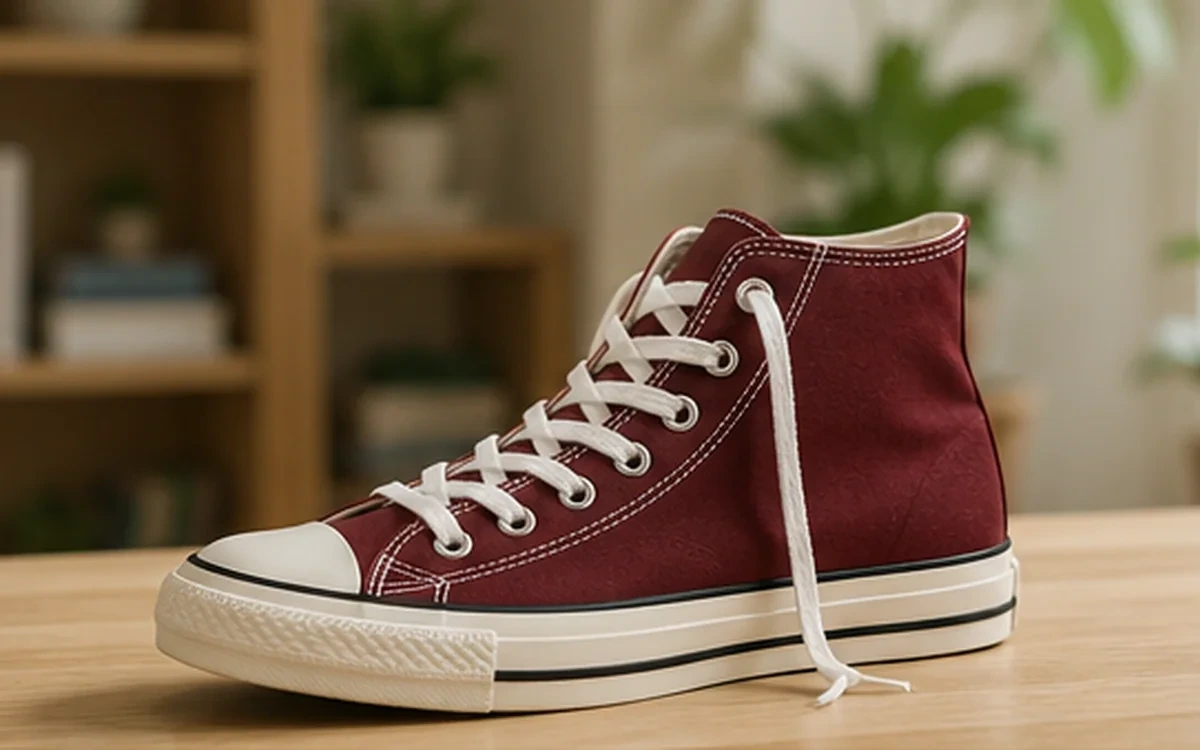
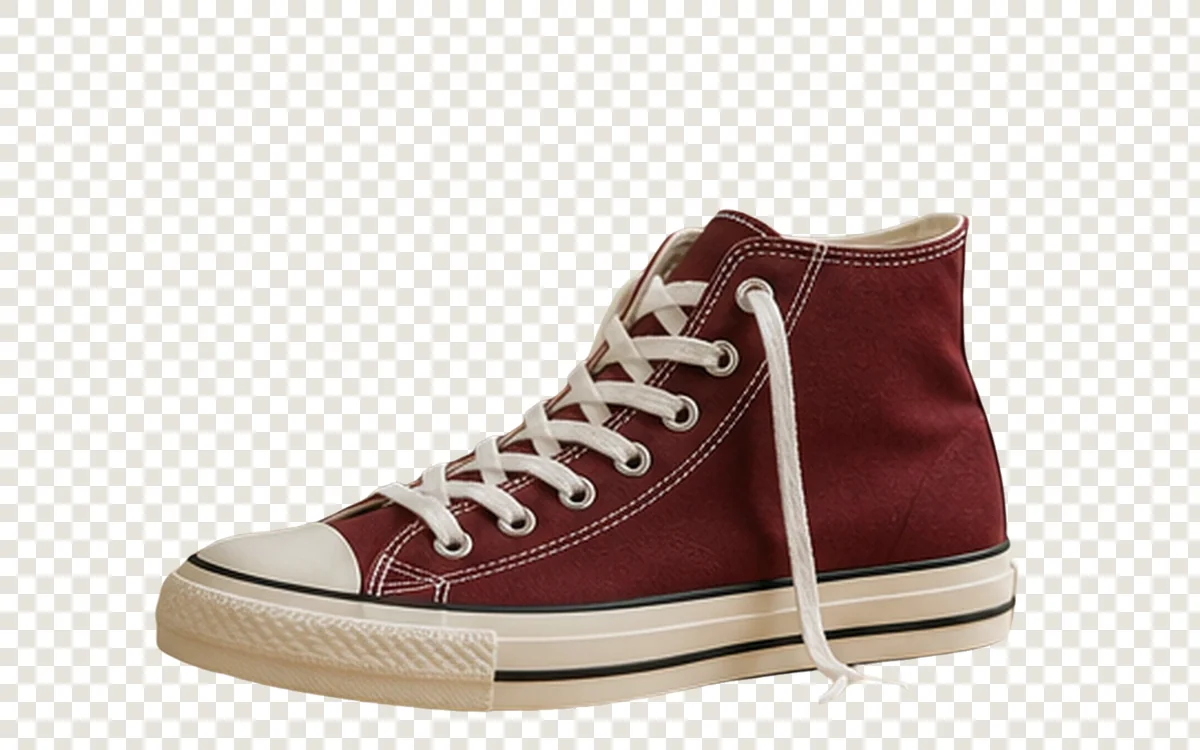
Example result dimensions
Problems this solves
Start with the image problem, not a generic AI setting.
- Busy room or tabletop backgrounds
- Edges around laces, straps, handles, and product gaps
- Consistent reusable assets for multiple sales channels
Workflow
Complete and review the result in four steps.
- 1
Upload a clear product image with the entire item visible.
- 2
Choose Product subject when the automatic result needs a more specific route.
- 3
Review the outer contour, holes, shadows, and transparent areas at full size.
- 4
Download the transparent PNG and place it on the final brand background.
Pre-publish review
Do not judge only from a thumbnail.
No missing product edges
Check again at 100% zoom and in the final placement or background.
Transparent regions remain clean
Check again at 100% zoom and in the final placement or background.
Labels and product color still match the source
Check again at 100% zoom and in the final placement or background.
No leftover background halos
Check again at 100% zoom and in the final placement or background.
FAQ
Common questions for this workflow
Does this replace marketplace image requirements?
No. Export the cutout first, then place it on the background, canvas size, and margins required by the marketplace.
Should natural shadows be kept?
Keep or recreate a shadow only when it helps the product look grounded and does not misrepresent the item.
What if a lace or thin edge disappears?
Try a clearer source image or another subject mode, then inspect the result before publishing.
Practical guides
Get more reliable results with a better workflow.
Use these guides to prepare source files, choose the right operation, and review results before publishing.
Product Photo Background Removal Guide
A practical workflow for preparing product photos, removing backgrounds, checking difficult edges, and exporting a clean transparent PNG.
Read guideHow to prepare product images for online marketplaces
Build a reusable product-image workflow covering originals, background treatment, crop, consistency, file naming, export, and final quality review.
Read guideHow to upscale small product images without making them look fake
Learn when to use 2× or 4× AI upscaling for small ecommerce images, what details to inspect, and how to avoid artificial-looking product results.
Read guide
ImageAI
Open ImageAI
Verify the workflow with your own image.
Guests can process one image free without an account. Sign in to continue, keep history, and manage credits.