
Original
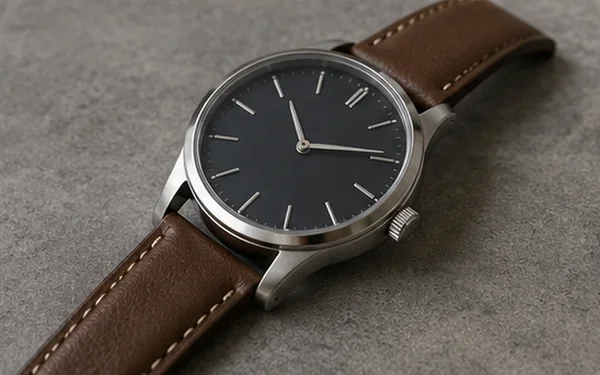
Increase resolution while preserving edges, textures, and visual quality for larger, sharper output.
JPG, PNG, and WebP up to 10MB; no manual format conversion needed
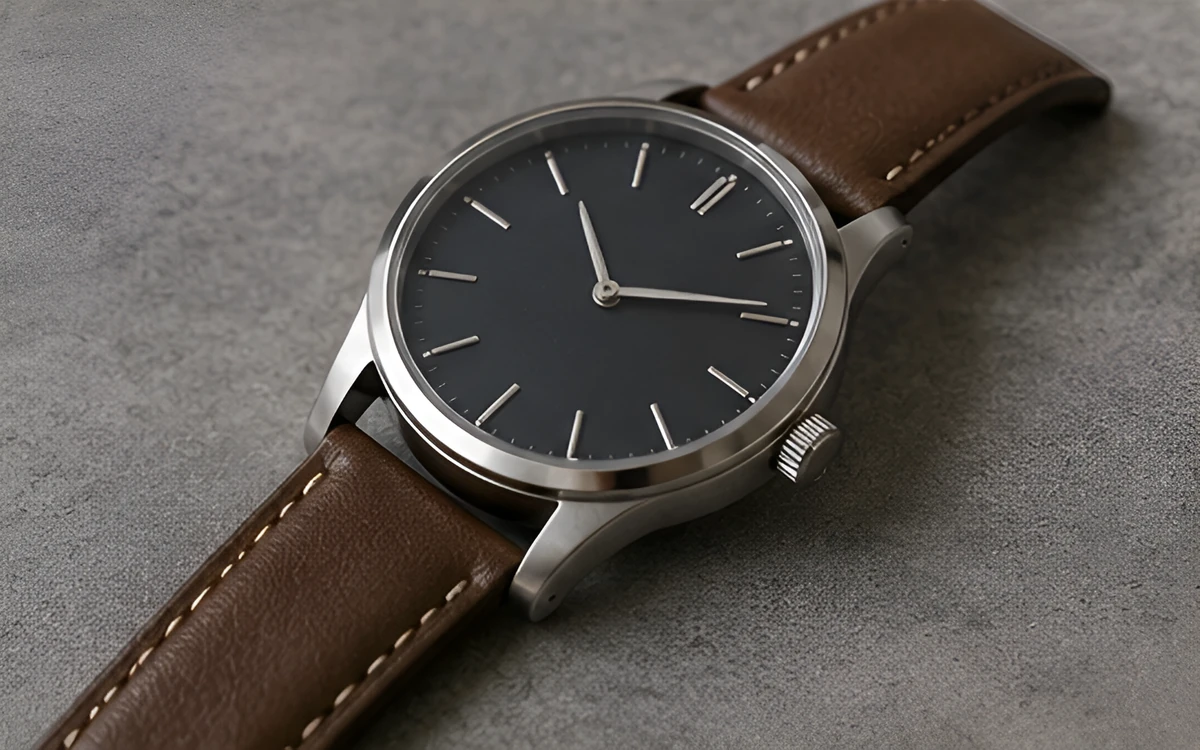
How it works
File limits and estimated credit use are shown before submission, and digital results are delivered through the online workspace.
Upload a supported image.
Choose 2× or 4× and review the estimated output size and credits.
Inspect texture, text, and edges before downloading the result.
Common use cases
AI output should be treated as a work result to review, not as an unquestionable source of truth.
Start with a clear, properly authorized source file and inspect the output before final publication.
Start with a clear, properly authorized source file and inspect the output before final publication.
Start with a clear, properly authorized source file and inspect the output before final publication.
Before and after
Each example pairs one source image with its matching processed result. Drag the slider and review the dimensions, suggested setting, and quality checks.
A layout for showing output-size growth and reviewing texture, labels, and edges.


A layout for reviewing lines, text, and repeated structures on a larger canvas.
Files, delivery, and privacy
JPG, PNG, and WebP files are supported up to 10MB. Job status and available results appear in the online account, and files are deleted according to the retention period stated for the plan.
Upload only images you own or have permission to process, and do not submit unlawful, infringing, or highly sensitive content.
FAQ
2× doubles both width and height; 4× multiplies both by four. A 4× result is larger and uses more credits and processing resources.
Not reliably. AI estimates some textures and edges, so text, faces, logos, and precise patterns must be reviewed.
JPG, PNG, and WebP files are supported up to 10MB. Jobs that exceed output limits are blocked before charging.
Credits used by a failed job are refunded automatically.
Specific workflows
See suggested settings, matching before-and-after examples, and pre-publish checks for product, portrait, property, or illustration assets.

Create a larger output for storefronts, presentations, and design work, then review labels, stitching, texture, and edges that AI may estimate.
View workflow
Scale drawings and graphic assets for larger canvases while reviewing line weight, repeated shapes, speech bubbles, and embedded text.
View workflow
Prepare a clean, reviewed product master, preserve labels and included items, and apply background removal, enhancement, or upscaling only when the source and final placement require it.
View workflowPractical guides
Use these guides to prepare source files, choose the right operation, and review results before publishing.
Create clearer Etsy listing photos while preserving handmade texture, vintage condition, true color, and buyer-relevant details.
Read guidePrepare Shopify product images with clean backgrounds, consistent crops, accurate color, practical file sizes, and a repeatable review workflow.
Read guideChoose between 2× and 4× upscaling by calculating output dimensions, checking source quality, and matching the image to its real use.
Read guide