FREE PUBLIC BETA ImageAI is open for free registration and testing. Paid plans and credit purchases are not available, and no payment information is collected. Notify me at launch
Apparel workflow

Create transparent apparel cutouts while protecting hems, straps, lace, and fabric edges.

Prepare clothing images for catalogs and design layouts, with manual checks for thin straps, open spaces, soft fabric edges, shadows, and color accuracy.

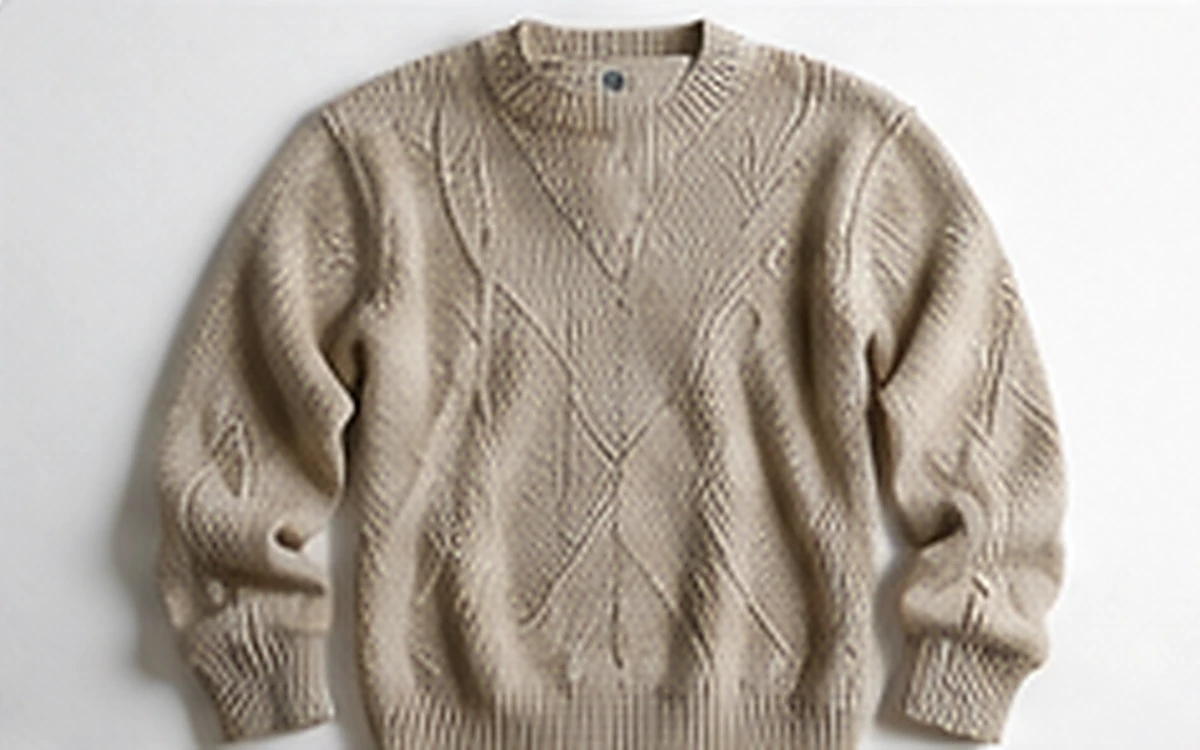
Clothing Background Remover before processing
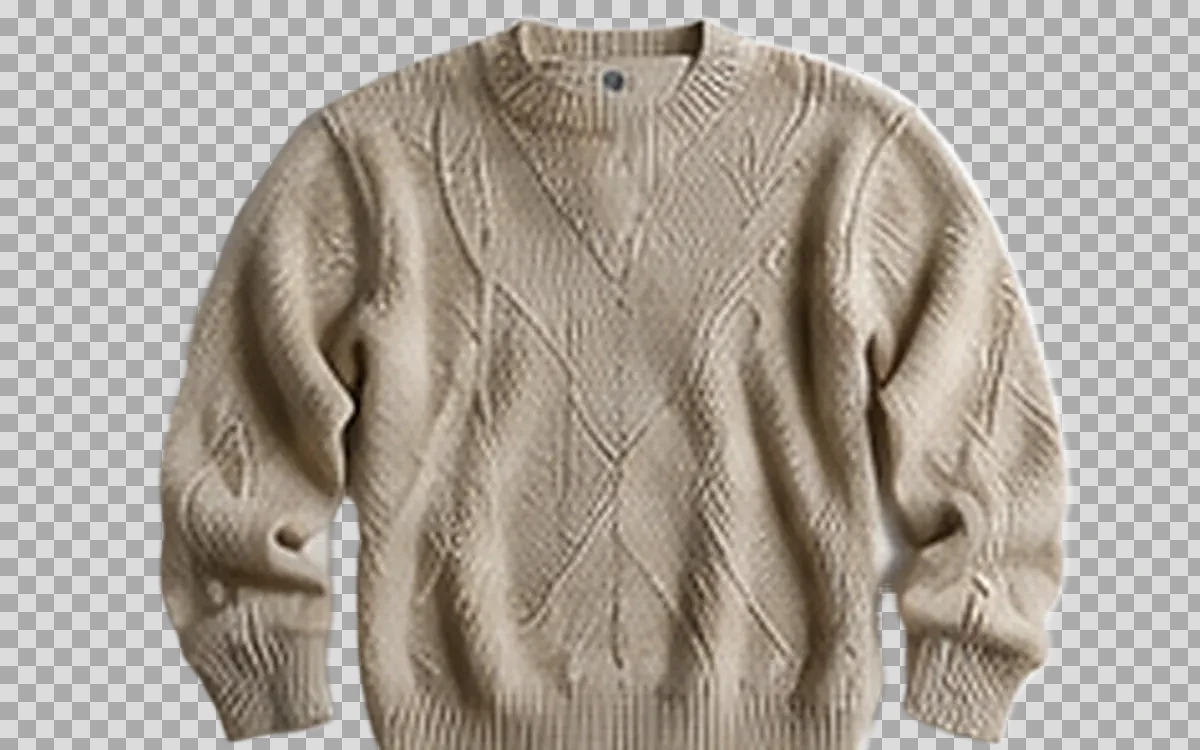
Clothing Background Remover after processing
BeforeAfter
Example input1200 × 750

Example source dimensions

Example output1200 × 750

Example result dimensions

Problems this solves

Start with the image problem, not a generic AI setting.

  • Busy mannequin, tabletop, or room backgrounds
  • Thin straps, lace, fringes, and open garment areas
  • Soft fabric edges that blend into the scene

Workflow

Complete and review the result in four steps.

  1. 1

    Upload a sharp image with the full garment visible.

  2. 2

    Use Product subject when automatic selection loses apparel edges.

  3. 3

    Inspect hems, straps, lace, shadows, and spaces between fabric sections.

  4. 4

    Place the cutout on the final catalog background and review color again.

Pre-publish review

Do not judge only from a thumbnail.

The full garment silhouette is present

Check again at 100% zoom and in the final placement or background.

Open spaces remain transparent

Check again at 100% zoom and in the final placement or background.

Fabric color and printed patterns are accurate

Check again at 100% zoom and in the final placement or background.

No background halo around soft edges

Check again at 100% zoom and in the final placement or background.

FAQ

Common questions for this workflow

Can it remove a mannequin perfectly?

Results vary by pose, overlap, and garment structure. Review every edge and use a dedicated invisible-mannequin workflow when required.

What source works best?

Use a high-contrast, evenly lit source with the garment fully visible.

Should wrinkles be removed?

Do not use background removal to change the real construction or condition of the garment.

ImageAI

Verify the workflow with your own image.

Guests can process one image free without an account. Sign in to continue, keep history, and manage credits.

Open ImageAI
Confirm action

Continue?

Privacy center

You can reopen this panel at any time from the site footer.