Property photos often need careful correction: rooms may be underexposed, windows too bright, colors inconsistent, or outdoor views hazy. Enhancement can make a listing easier to understand, but it should not materially misrepresent the property.
The safest goal is to improve visibility while preserving the real room, fixtures, condition, dimensions, and view.
Start with exposure and white balance
Use the best original files and compare them on a calibrated or at least familiar display. Before applying strong sharpening, correct the overall brightness and obvious color cast.
The AI Image Enhancer provides automatic, clarity, tone, dehaze, color, and stretch-recovery modes. Start with Automatic when unsure, then use a targeted mode only when the problem is clear.
- Use Tone for a room that is too dark or flat.
- Use Dehaze for an outdoor view affected by haze.
- Use Color for an obvious white-balance problem.
- Use Clarity cautiously when edges and details are soft.
- Use Stretch recovery only for images distorted by non-proportional resizing.
Do not remove or invent property features
Enhancement should not add furniture, change surfaces, repair damage, replace a view, remove permanent objects, or make a room appear larger. Those are material changes rather than quality correction.
Check that the result preserves:
- Wall, floor, cabinet, and countertop colors.
- Windows, doors, fixtures, outlets, and appliances.
- Existing marks, wear, or visible condition relevant to a buyer or tenant.
- The real exterior view and weather conditions when they matter.
- Straight lines and believable room proportions.
When an image is staged, retouched, or virtually modified, disclose it according to the applicable listing platform, professional rules, and local law.
Watch for window and mirror artifacts
Bright windows and mirrors are common failure points. Enhancement may create halos around frames, strange reflections, duplicated edges, or unrealistic scenery.
Zoom in on:
- Window frames and blinds.
- Mirrors, glass doors, and glossy cabinets.
- Light fixtures and small repeating lines.
- Text on appliances, signs, or controls.
- Balcony rails and exterior architecture.
If the output changes factual details, use a lighter mode or return to the original.
Keep perspective correction separate
An image that was stretched to the wrong aspect ratio can be corrected with stretch-recovery mode. True architectural perspective correction is a separate editing task and should be performed carefully so the room is not made to appear larger or differently shaped.
Do not confuse lens distortion with a low-resolution problem. Upscaling creates more pixels; it does not make incorrect geometry truthful.
Prepare web versions without slowing the listing
After approving the enhanced master, export versions sized for the listing gallery and property website. Very large files can slow mobile pages without improving the displayed image.
Use consistent dimensions and compression across the set. Keep the original and approved master so later exports do not require repeated processing.
Protect client and occupant privacy
Before uploading, remove unnecessary personal documents, family photos, license plates, access codes, or other sensitive information from the capture when possible. Do not use private property images without the required authorization.
ImageAI files are delivered through the account workspace and retained according to the selected plan: up to 24 hours on Free, 30 days on Lite, 90 days on Pro, and 180 days on Ultra. Review the privacy policy and digital delivery policy before processing sensitive client work.
Use the result as an editing draft, not unquestioned truth
AI enhancement can improve presentation, but the person publishing the listing remains responsible for accuracy. Compare each result with the original and the real property before publication.
For pricing and credit validity, see ImageAI pricing. The estimated credit cost appears before each job, and eligible technical failures return the related credits automatically.
Published example evidence
The images below are the currently published source file and its corresponding ImageAI result. They document this example and current tool output; they are not a guarantee that every image will produce the same result. Published dimensions: 1200 × 750.
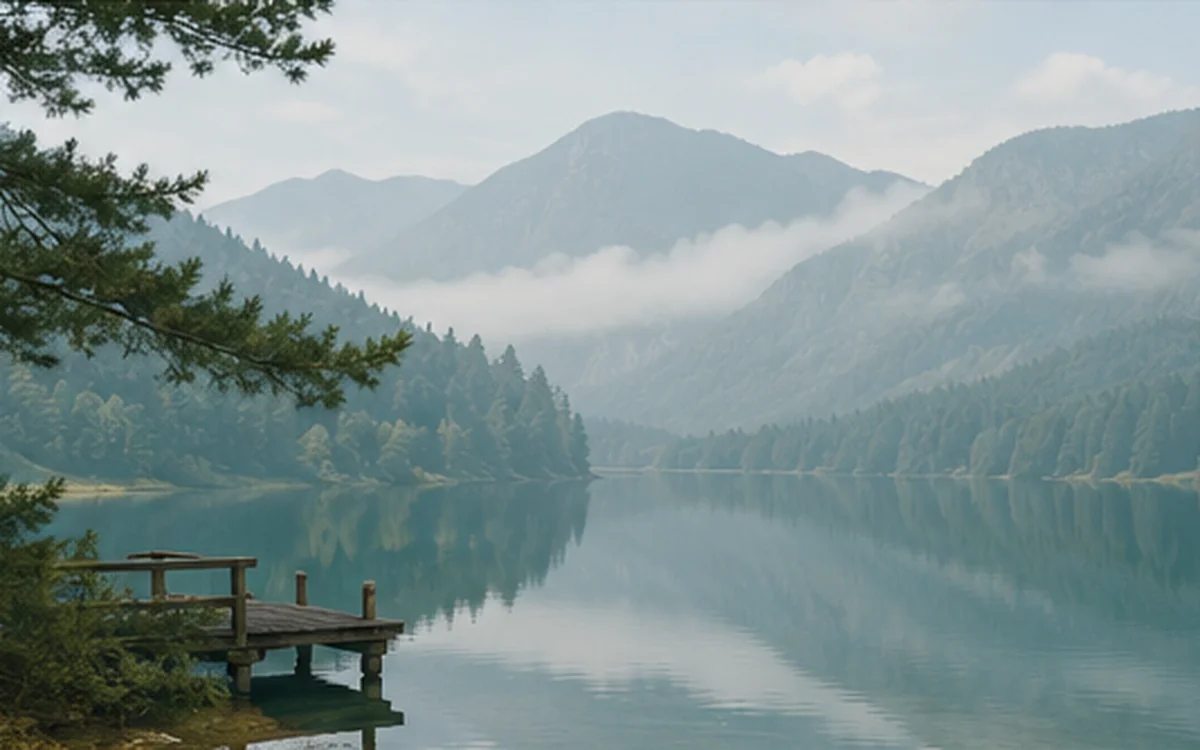
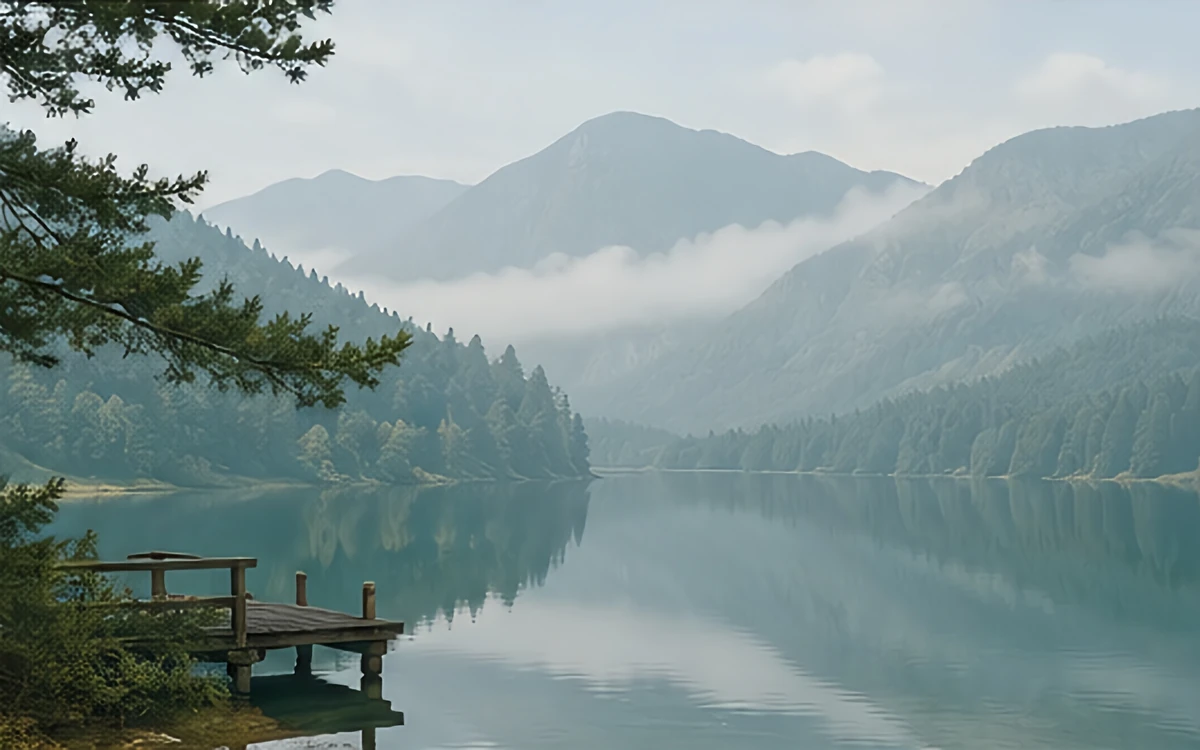
When reviewing your own result, inspect edges, text, texture, color, and transparency instead of judging only from a thumbnail.