
FREE PUBLIC BETA ImageAI is open for free registration and testing. Paid plans and credit purchases are not available, and no payment information is collected. Notify me at launch
Property-photo workflow

Improve haze and flat contrast in listing photos.

Prepare more readable property and landscape images while keeping architectural details and scene accuracy under manual review.

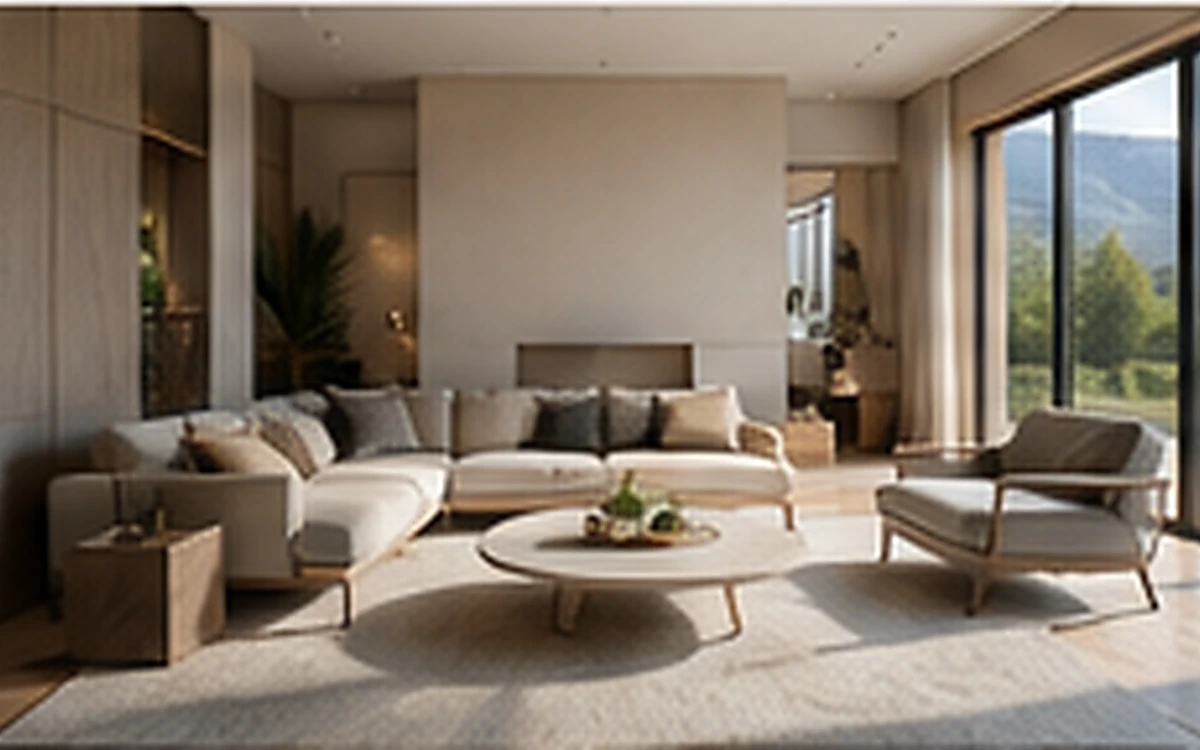
Real Estate Photo Enhancer before processing
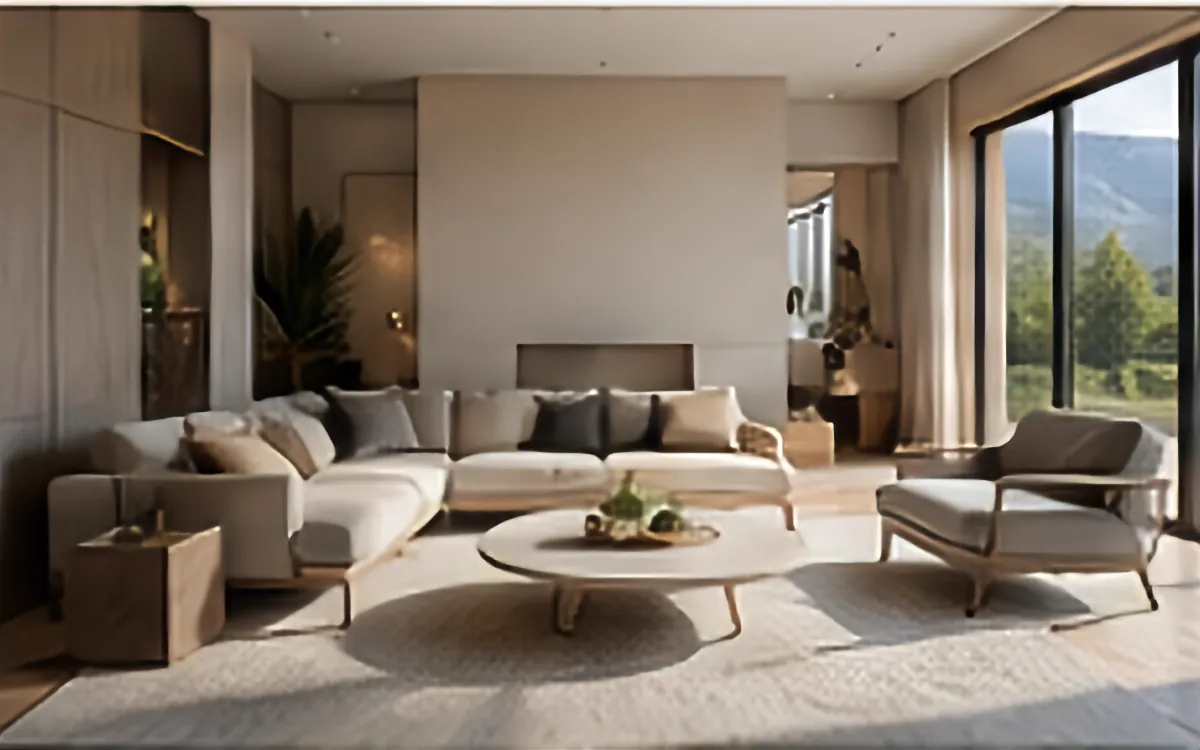
Real Estate Photo Enhancer after processing
BeforeAfter
Example input1200 × 750

Example source dimensions

Example output1200 × 750

Example result dimensions

Problems this solves

Start with the image problem, not a generic AI setting.

  • Haze, flat skies, and low-contrast distance
  • Dark rooms or uneven outdoor lighting
  • Listing images that need consistent visual readability

Workflow

Complete and review the result in four steps.

  1. 1

    Upload the original listing photo without prior heavy filters.

  2. 2

    Use Dehaze for atmospheric haze or Tone for flat exposure.

  3. 3

    Compare windows, room boundaries, fixtures, views, and property colors.

  4. 4

    Publish only a result that accurately represents the location.

Pre-publish review

Do not judge only from a thumbnail.

No objects or architectural features are invented

Check again at 100% zoom and in the final placement or background.

Windows and edges remain straight

Check again at 100% zoom and in the final placement or background.

Sky and vegetation do not look oversaturated

Check again at 100% zoom and in the final placement or background.

The result remains a truthful property representation

Check again at 100% zoom and in the final placement or background.

FAQ

Common questions for this workflow

Can I remove permanent property defects?

Do not use enhancement to conceal material facts. Follow local advertising and listing rules.

Does dehaze always improve an indoor image?

No. Use it only when haze is actually present; Tone or Automatic may be more appropriate indoors.

Can I publish without comparing the original?

A side-by-side review is strongly recommended because enhancement can change local details.

ImageAI

Verify the workflow with your own image.

Guests can process one image free without an account. Sign in to continue, keep history, and manage credits.

Open ImageAI
Confirm action

Continue?

Privacy center

You can reopen this panel at any time from the site footer.