Product images should attract attention, but they must still represent the item honestly. Enhancement works best when it corrects capture problems and improves presentation without changing material, color, shape, or condition.
Define what is wrong before enhancing
Do not apply every adjustment to every image. Identify the main issue first:
- Soft detail or mild blur.
- Low contrast and flat lighting.
- A color cast caused by indoor light.
- Haze or washed-out distance.
- Underexposure or overexposure.
- Stretching caused by an incorrect resize.
A focused correction usually looks more natural than a stack of aggressive effects.
Protect product accuracy
For ecommerce, color and texture can influence a purchase decision. Compare the processed result with the original item or a trusted reference.
Be cautious when enhancing:
- Clothing, cosmetics, paint, wood, and food colors.
- Surface texture, scratches, grain, and fabric weave.
- Reflections on metal, glass, and polished products.
- Shadows that describe the actual shape.
- Used-item condition and visible wear.
Enhancement should not hide defects, invent details, or make a lower-quality item appear materially different.
Use a consistent batch standard
A store looks more credible when images share similar brightness, crop, spacing, and background treatment. Establish a small set of rules before processing a catalog:
- One target aspect ratio per listing type.
- Similar product scale within the frame.
- A consistent neutral background.
- A controlled brightness range.
- The same export dimensions and naming format.
Process a few representative images first. Approve the look, then apply the same standard to the remaining catalog.
Review at listing size and zoomed size
A result can look sharp when zoomed in but harsh at normal listing size. It can also look fine as a thumbnail while revealing artifacts on a product-detail page.
Review at both sizes. Look for crunchy edges, plastic-looking skin or fabric, exaggerated noise, color shifts, and halos around high-contrast boundaries.
Preserve the original file
Keep the untouched source image. Save enhanced versions separately so you can compare, revise, or meet a platform request later.
A useful naming pattern is:
sku-angle-original.jpg
sku-angle-enhanced-v1.jpg
Optimize only after approval
Perform creative review before final web compression. Once the image is approved, resize it to the required dimensions and export an optimized delivery copy.
This separates two different jobs: improving visual quality and reducing delivery weight. Combining them too early makes it harder to identify where quality was lost.
Final ecommerce review
Before publishing, confirm that the enhanced image:
- Still matches the real product.
- Uses the same visual standard as nearby listings.
- Contains no new artifacts or false detail.
- Remains readable on mobile.
- Loads at a reasonable file size.
- Has an original source file stored safely.
The best ecommerce enhancement is noticeable as better presentation, not as an obvious effect.
Published example evidence
The images below are the currently published source file and its corresponding ImageAI result. They document this example and current tool output; they are not a guarantee that every image will produce the same result. Published dimensions: 1200 × 750.
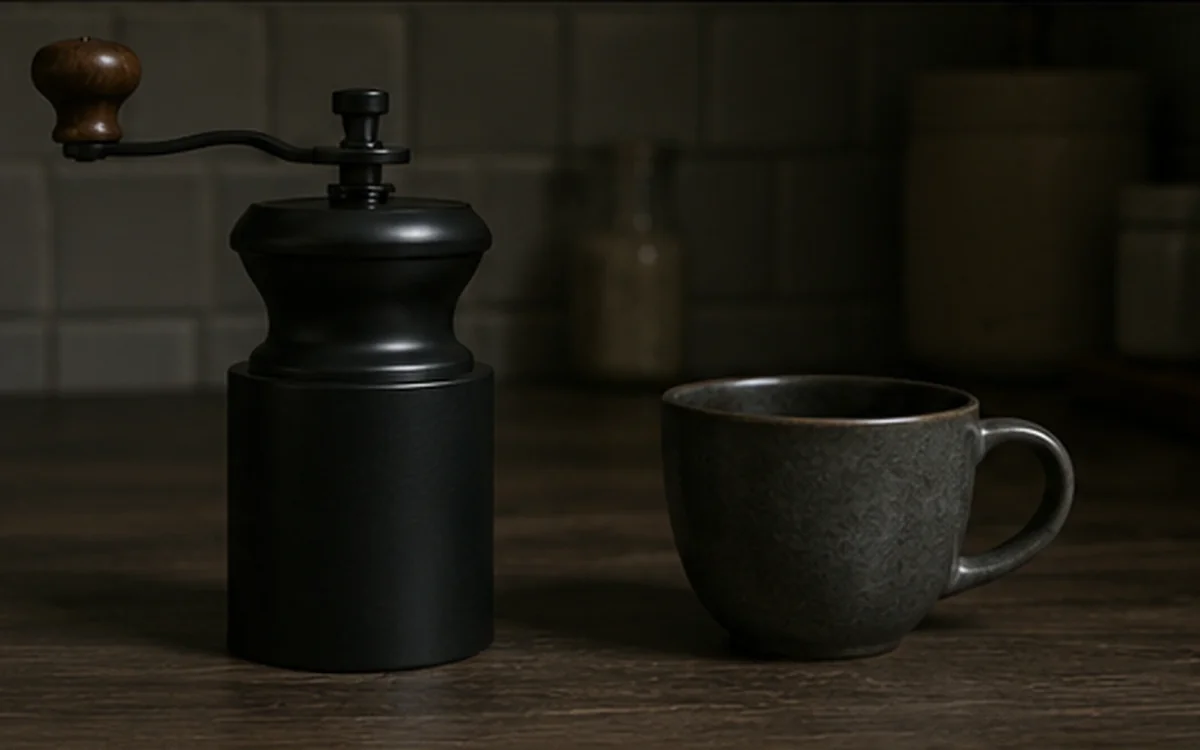
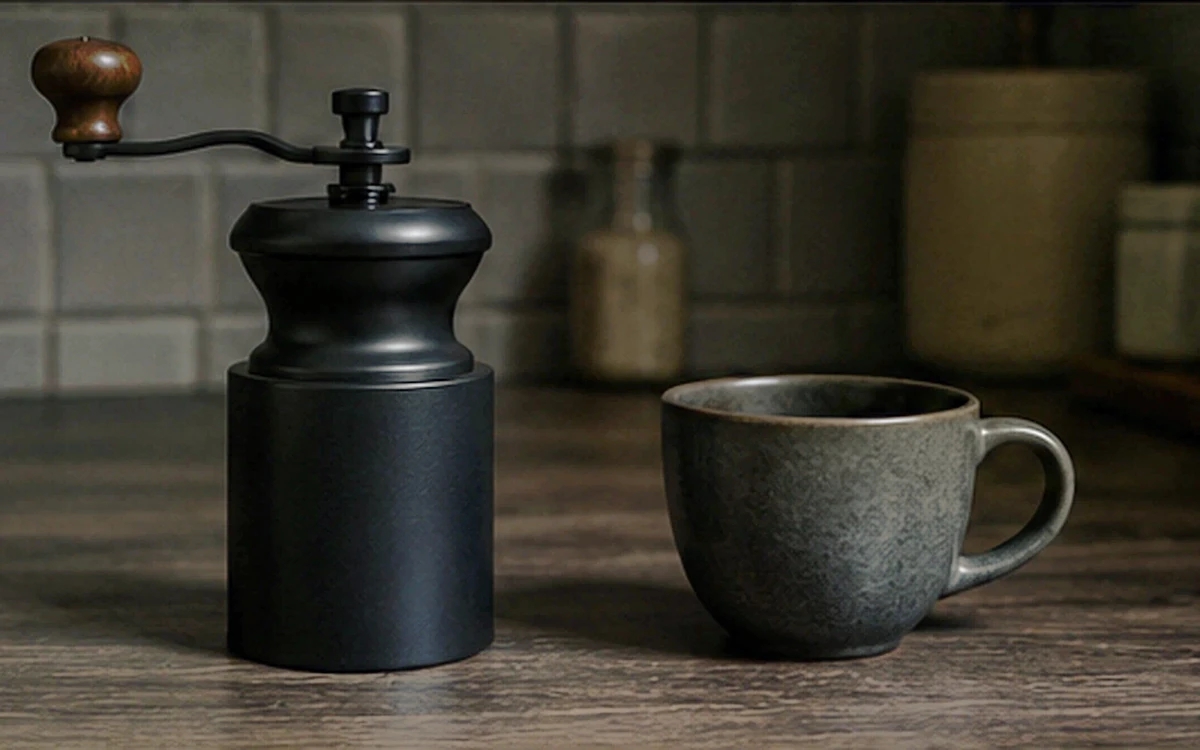
When reviewing your own result, inspect edges, text, texture, color, and transparency instead of judging only from a thumbnail.