
Example source dimensions
Reusable asset workflow
Turn a supported image into a reviewed transparent PNG for design and publishing.
Remove the visible background, verify the alpha edge on contrasting colors, and export a PNG that can be placed in documents, storefronts, presentations, and graphics.

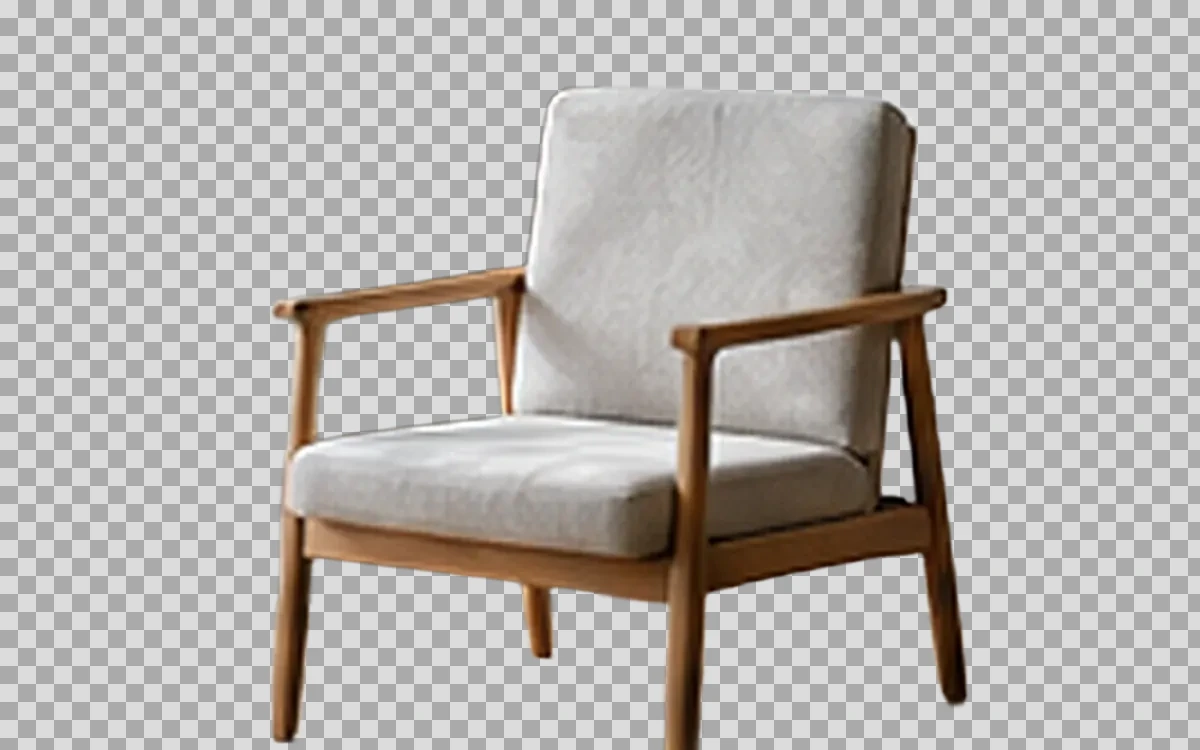
Example result dimensions
Problems this solves
Start with the image problem, not a generic AI setting.
- A subject trapped inside a flat or distracting background
- A reusable asset needed for several layouts
- Hidden edge contamination that appears on another background
Workflow
Complete and review the result in four steps.
- 1
Upload a JPG, PNG, or WebP with a clear subject.
- 2
Choose the subject mode that matches the image.
- 3
Inspect the result on white, black, and a strong color.
- 4
Download PNG and keep the original source for later corrections.
Pre-publish review
Do not judge only from a thumbnail.
The output contains real transparency
Check again at 100% zoom and in the final placement or background.
No white rectangle or matte fringe remains
Check again at 100% zoom and in the final placement or background.
Interior holes and semi-transparent areas are correct
Check again at 100% zoom and in the final placement or background.
The subject color matches the source
Check again at 100% zoom and in the final placement or background.
FAQ
Common questions for this workflow
Why must the output be PNG?
PNG reliably carries transparency for this workflow; JPG does not support an alpha channel.
Can every semi-transparent object be isolated?
Not always. Glass, smoke, fine hair, and motion blur need close review.
Does transparency reduce image quality?
The alpha channel itself does not require visible quality loss, but the subject extraction may still contain edge errors.
Practical guides
Get more reliable results with a better workflow.
Use these guides to prepare source files, choose the right operation, and review results before publishing.
Transparent PNG explained: when to use it and how to check it
Learn what transparency means, when PNG is the right format, why checkerboards appear, and how to avoid white boxes and edge halos.
Read guideHow to upscale small product images without making them look fake
Learn when to use 2× or 4× AI upscaling for small ecommerce images, what details to inspect, and how to avoid artificial-looking product results.
Read guideMake a Logo Background Transparent Safely
Remove a logo background, preserve sharp edges and interior spaces, and export a reusable transparent PNG for websites and documents.
Read guide
ImageAI
Open ImageAI
Verify the workflow with your own image.
Guests can process one image free without an account. Sign in to continue, keep history, and manage credits.