
FREE PUBLIC BETA ImageAI is open for free registration and testing. Paid plans and credit purchases are not available, and no payment information is collected. Notify me at launch
Handmade listing workflow

Prepare a consistent listing set without inventing handmade details.

Use background cleanup, targeted enhancement, and limited upscaling while protecting grain, weave, brushwork, engraving, glaze, irregular edges, and personalization.

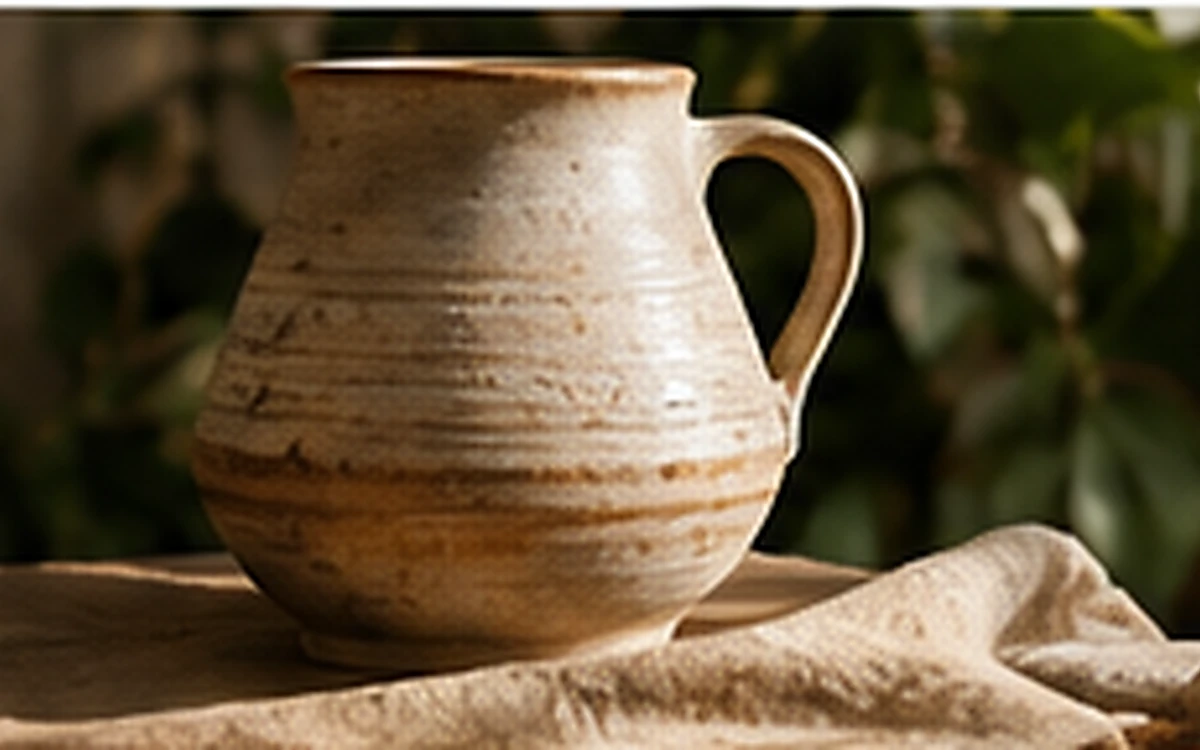
Etsy Listing Photo Workflow before processing
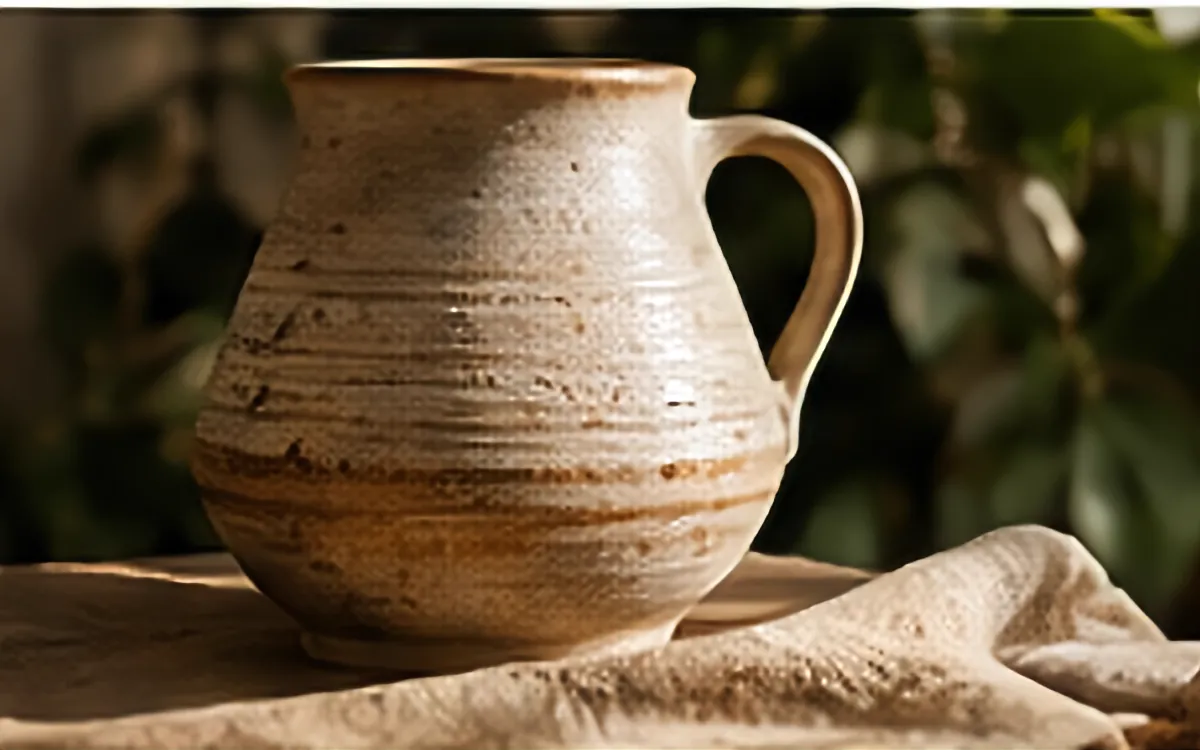
Etsy Listing Photo Workflow after processing
BeforeAfter
Example input1200 × 750

Example source dimensions

Example output1200 × 750

Example result dimensions

Problems this solves

Start with the image problem, not a generic AI setting.

  • A listing set with inconsistent exposure or backgrounds
  • Handmade textures that must remain truthful
  • Small personalized text and irregular edges

Workflow

Complete and review the result in four steps.

  1. 1

    Plan the primary, detail, scale, angle, and packaging images as one set.

  2. 2

    Use one tool only when it solves a visible problem.

  3. 3

    Inspect handmade texture, engraving, color, and personalized text.

  4. 4

    Export a consistent set and verify the platform's current requirements.

Pre-publish review

Do not judge only from a thumbnail.

Natural handmade variation remains visible

Check again at 100% zoom and in the final placement or background.

Small personalized details are unchanged

Check again at 100% zoom and in the final placement or background.

The listing set uses consistent crop and exposure

Check again at 100% zoom and in the final placement or background.

No generated texture is presented as the real item

Check again at 100% zoom and in the final placement or background.

FAQ

Common questions for this workflow

Can enhancement standardize every handmade item?

Do not remove natural differences that are material to the item. Standardize presentation, not the product itself.

Should text be reconstructed by AI?

No. Important personalization should remain readable in the source or be recreated from the design file.

Can I use the same file for every channel?

Keep a master, then export for each current channel requirement.

ImageAI

Verify the workflow with your own image.

Guests can process one image free without an account. Sign in to continue, keep history, and manage credits.

Open ImageAI
Confirm action

Continue?

Privacy center

You can reopen this panel at any time from the site footer.